
Talk to us
Tell us about your organisation and your current site. We show you Clear CMS working on a site like yours.
How it works
What happens from the first call to the day your team publishes its first change.
Tell us about your organisation and your current site. We show you Clear CMS working on a site like yours.
We move your pages, photos and menus across, or build a new site from a template in your colours and fonts.
Point your web address at Clear CMS. The padlock certificate is set up automatically, and your site stays online throughout.
Everyone gets their own login. Click, change, publish. That's it.
Day to day
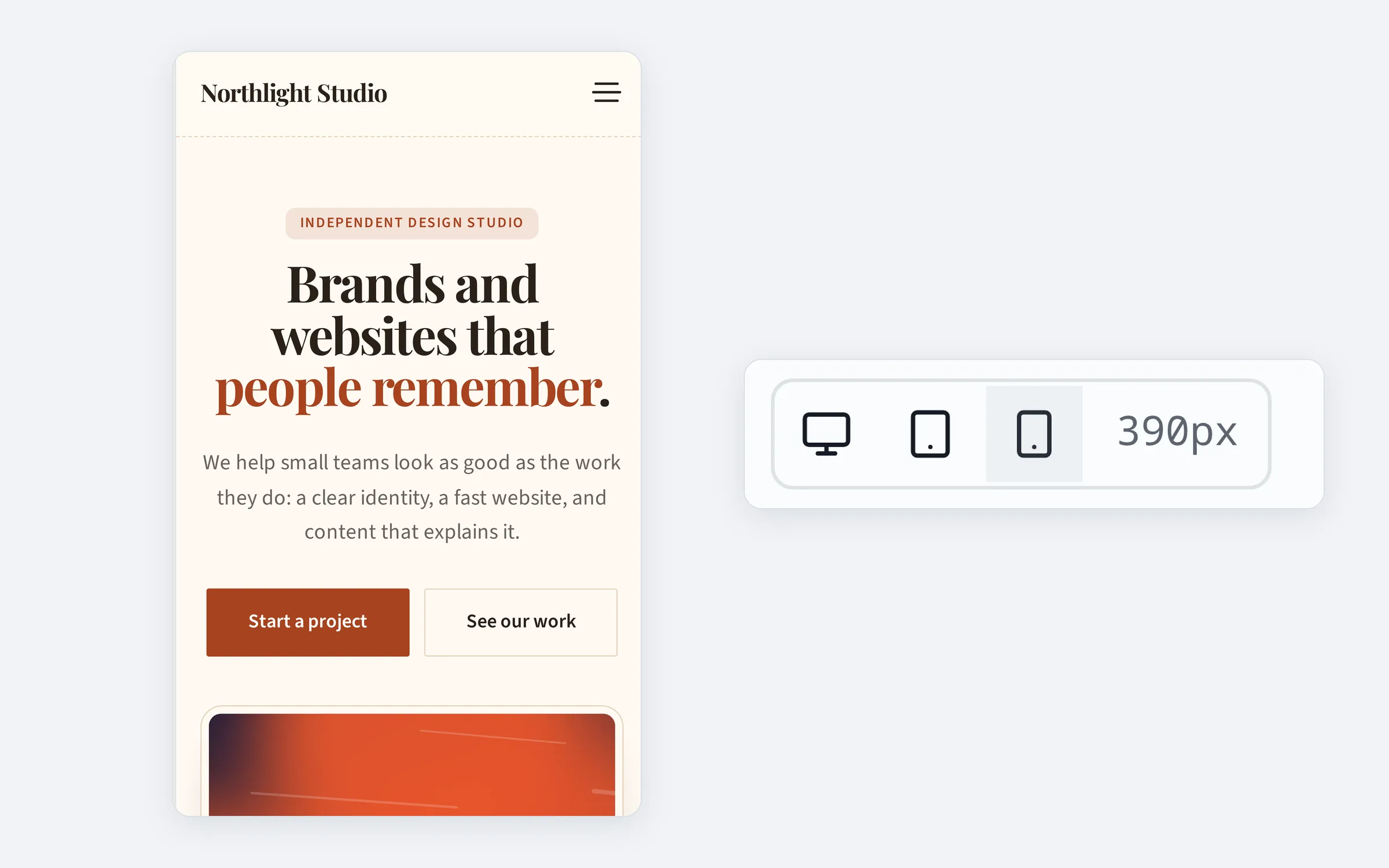
Desktop and phone
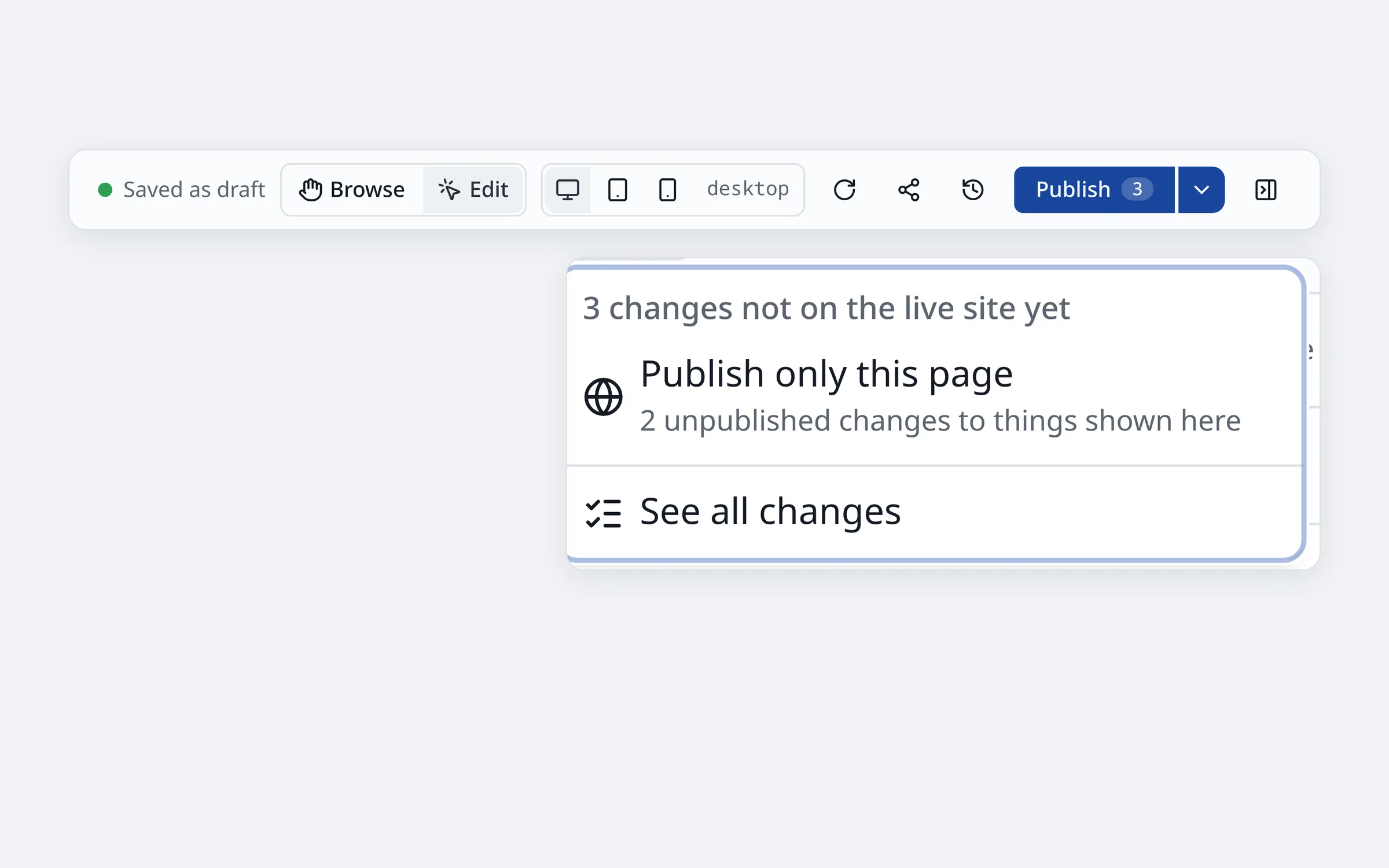
Drafts and publishing
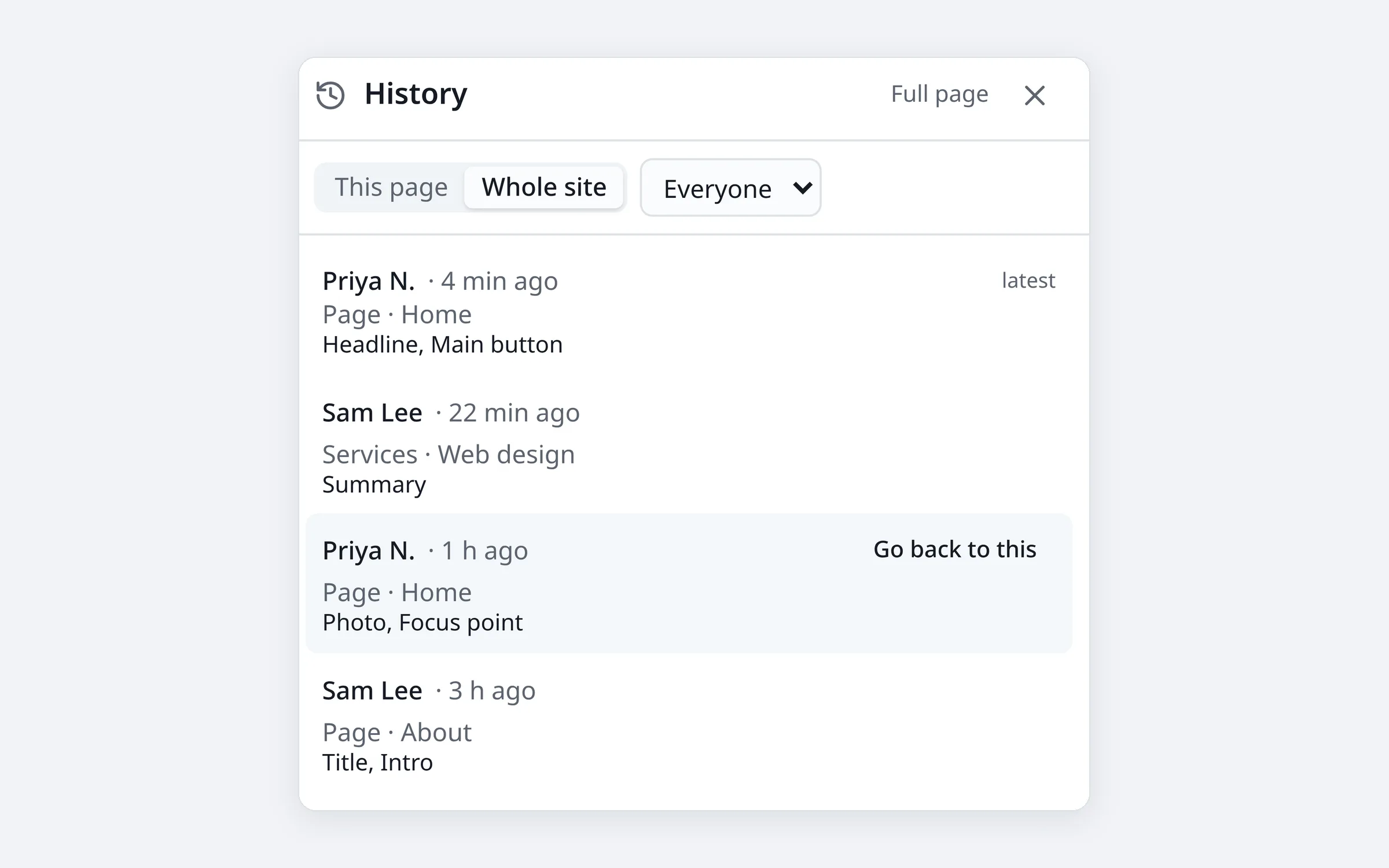
History
Who it's for
Staff and volunteers keep news, events and photos current without waiting on a developer. Multilingual when your community is.
Update services, prices, opening hours and project photos yourself, from your desk or your phone.
Build the site once, hand it over with confidence. Clients edit safely within your design, and each sees only their own site.
No. If you can edit a document, you can edit your site. You click on the page and type; a "?" next to every setting explains what it does.
Not really. The design is set up for you; you change the words, photos and sections within it. And every version is kept, so any change can be undone.
It stays online until the new one is ready. We move your content across, you check it, and only then is your domain switched over.
Yes. Developers build the sections and looks for your brand; your team fills them in. Agencies can look after many client sites from one sign-in.
Export the whole site as a zip at any time. Your content is in open, readable files, so it goes wherever you go.
Book a short call. We'll show you Clear CMS on a site like yours and explain exactly what moving over involves.