Features

Everything you need to keep your website up to date

Clear CMS is built around one idea: the easiest way to change a website is to click on it. Here is everything that comes with it.

At a glance

Click anything and change it

Text, photos, buttons, menus and cards: click them on your real page and type.

See every change on every screen

Switch the live preview between desktop, tablet and phone while you edit.

Work in a draft, publish with one button

Changes stay private until you press Publish.

Every version kept, any one restored

See who changed what and when, and step back in one click.

A media library that stays tidy

Folders, tags and galleries, and a description on every photo.

Photos framed right on every screen

Pick the focus point and zoom for desktop and phone separately.

Your site in every language you need

Each page in several languages, with auto-translate for a first draft.

Invite your team

Everyone gets their own login and sees only their own site.

Your content stays yours

Open files in your own storage. Export the whole site as a zip at any time.

Looks and layouts that fit your brand

Themeable templates: colours, fonts, spacing, card styles and block layouts.

Fast sites on your own domain

Served from Cloudflare's global network, on your own domain, with automatic SSL.

Visitor stats and help built in

See how many people visit, and find a "?" next to anything that needs explaining.
A closer look

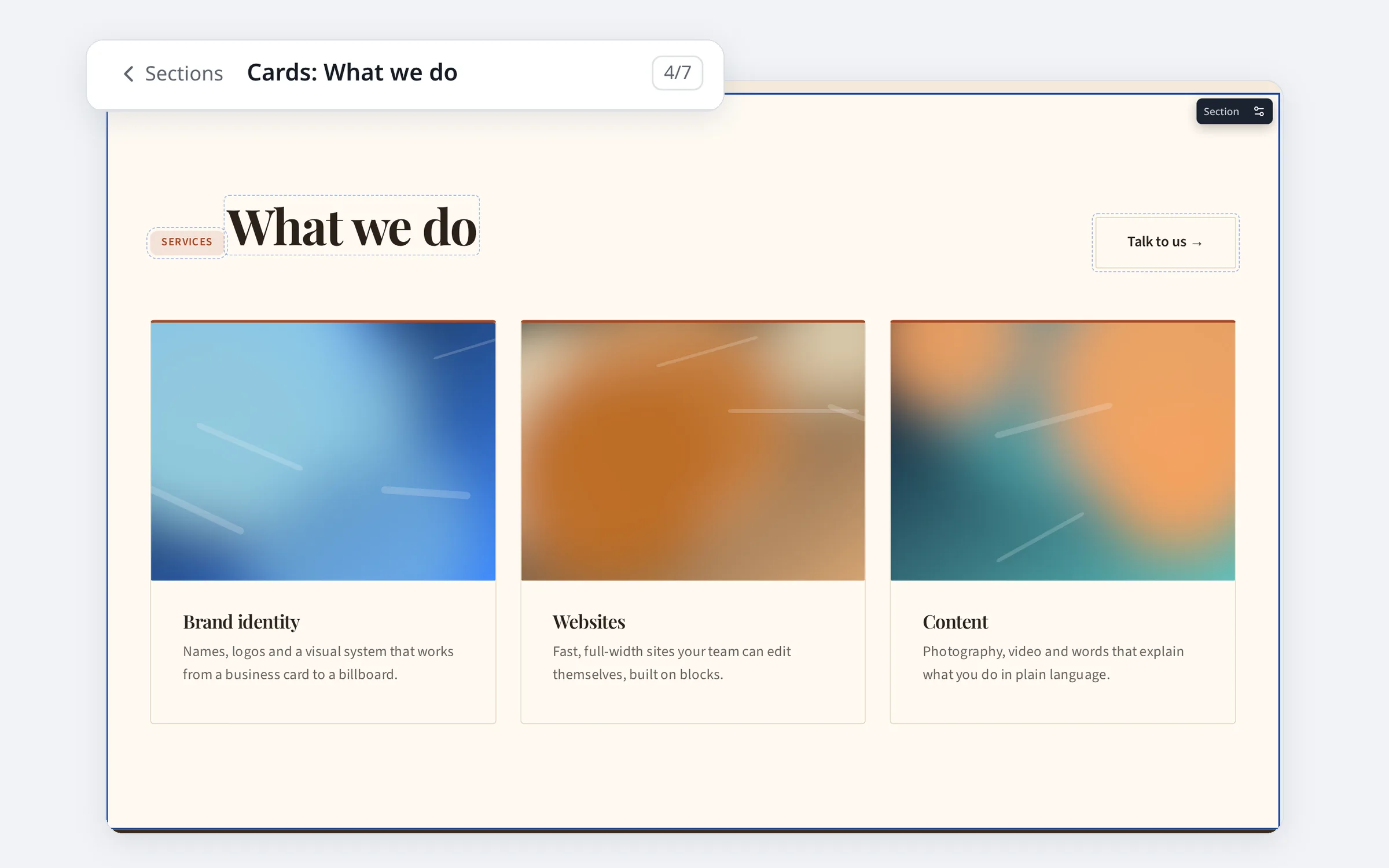
A whole section selected on the page, with every editable part outlined and its place in the section list shown above

Edit on the page

Click anything and change it

No back-office forms, and no guessing which box controls which part of the page. Open your site in Clear CMS, click the headline and type. Swap a photo, rename a button, change where it links, reorder the menu. Click the background of a section to select the whole section and change its layout, width and look. What you see is exactly what visitors will get.
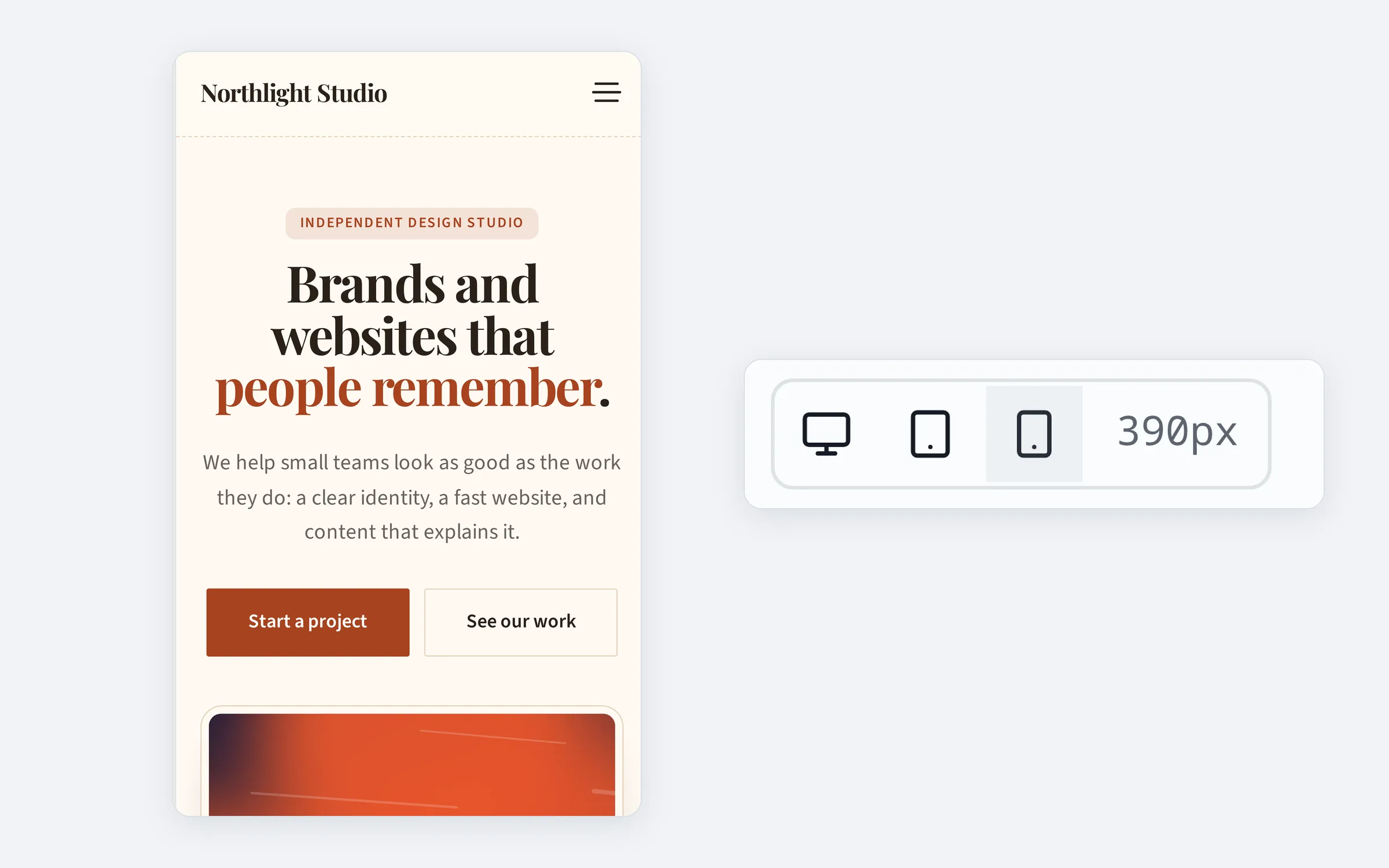
The page shown at phone width, next to the desktop, tablet and phone buttons

Desktop and phone

See every change on every screen

Many of your visitors are on a phone. Flip the preview to phone size at any moment and check that the new headline fits and the photo still looks right, before anyone else sees it.
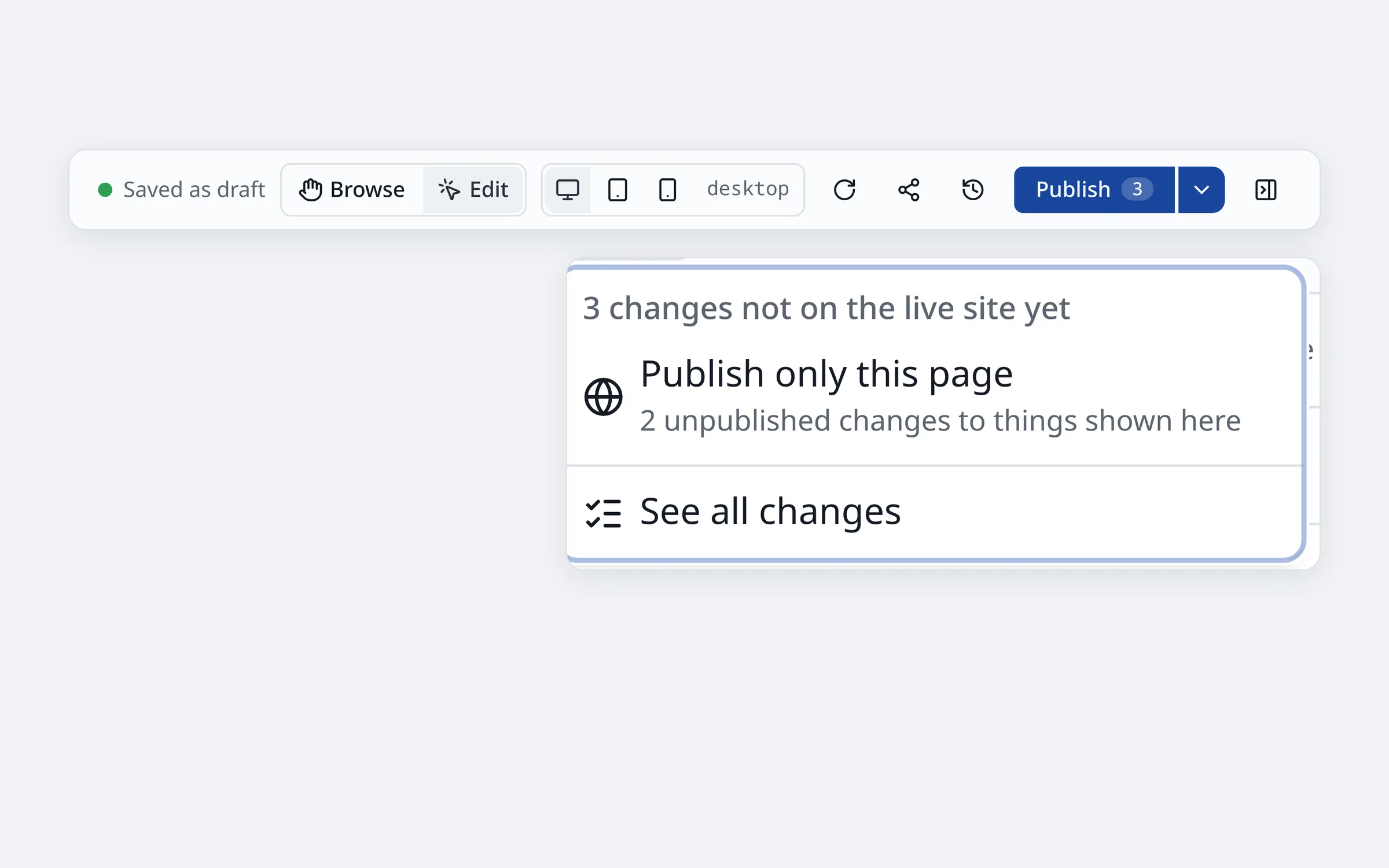
The top bar showing Saved as draft and the Publish button with three changes waiting

Drafts and publishing

Work in a draft, publish with one button

Everything you change is saved as a draft as you go. Take your time, ask a colleague to have a look, then publish it all with one button. Visitors never see a half-finished page.
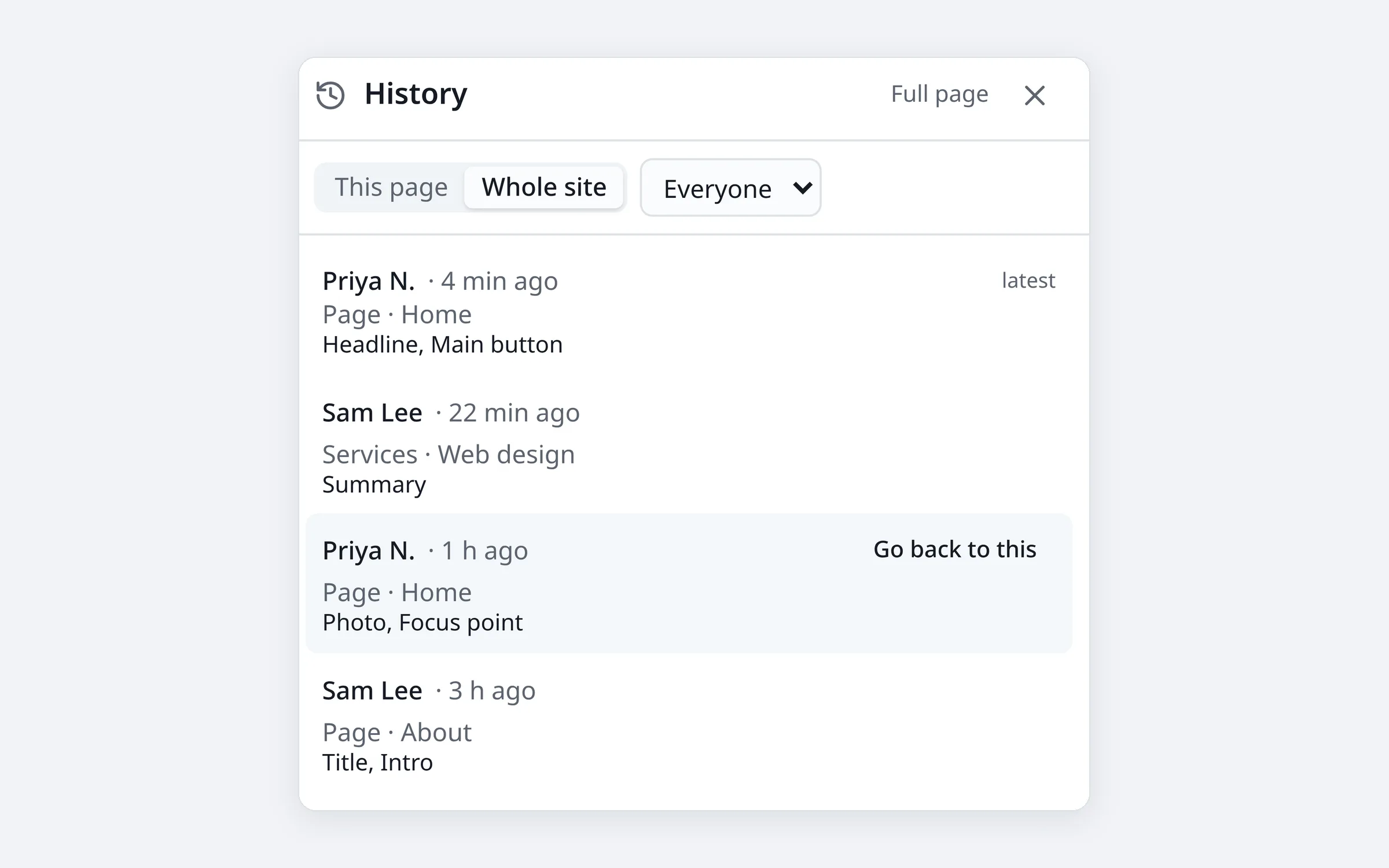
The history panel listing recent changes, each with a button to go back to it

History

Every version kept, any one restored

Clear CMS keeps every saved version of every page, with the name of the person who made the change. Deleted something by accident? Restore it. Want last month's wording back? Restore that too. Restoring adds a new version, so nothing is ever lost.
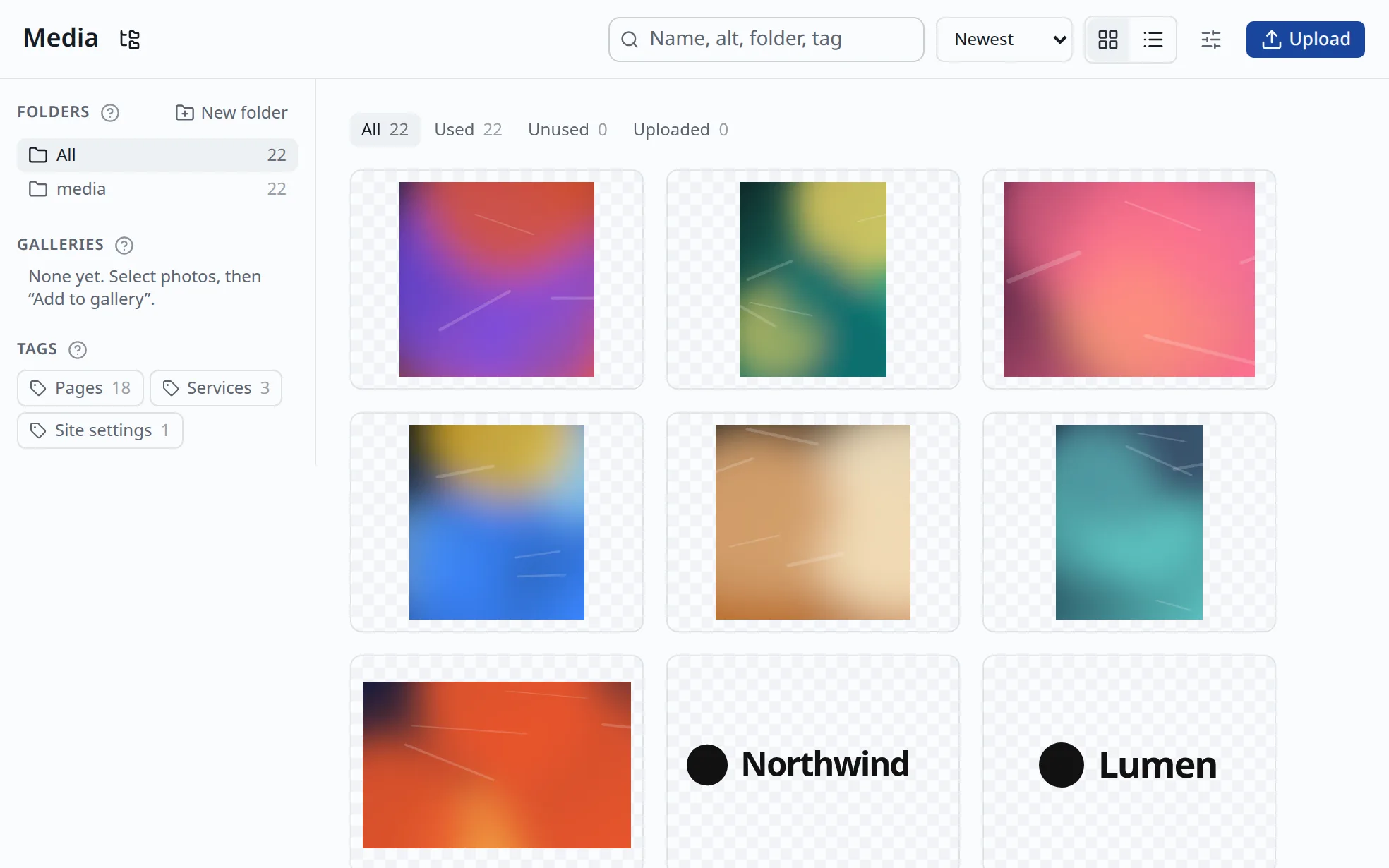
The media library with folders, galleries, tags and photo tiles

Media library

A media library that stays tidy

Upload once, use anywhere. Sort photos into folders, tag them, build galleries, and see where each photo is used. Add a short description (alt text) so people using screen readers, and search engines, know what the photo shows.
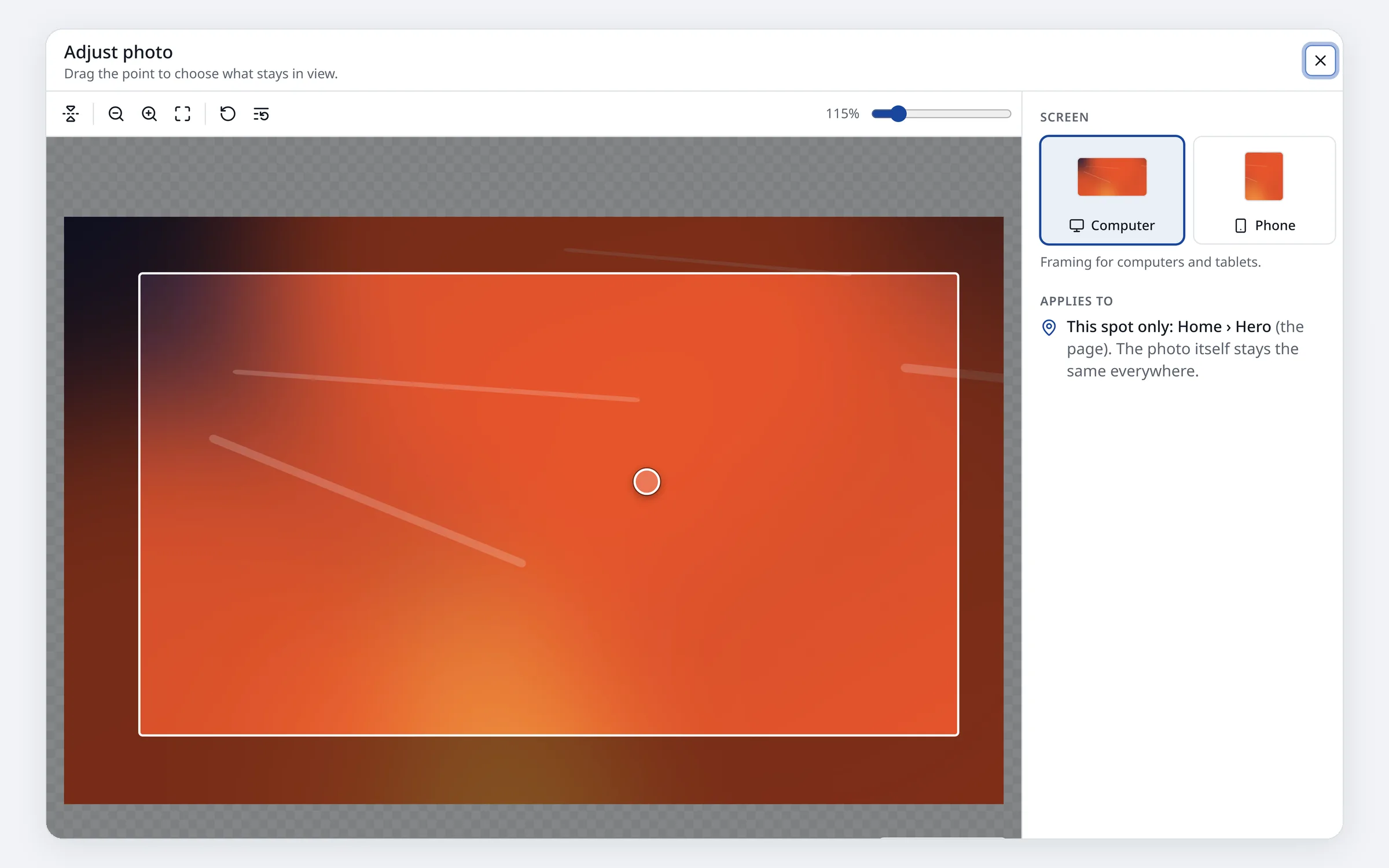
The Adjust photo window with separate framing for computer and phone

Photo framing

Photos framed right on every screen

A wide banner and a narrow phone screen need different crops of the same photo. Set the focus point and zoom for each, so faces and logos never get cut off.
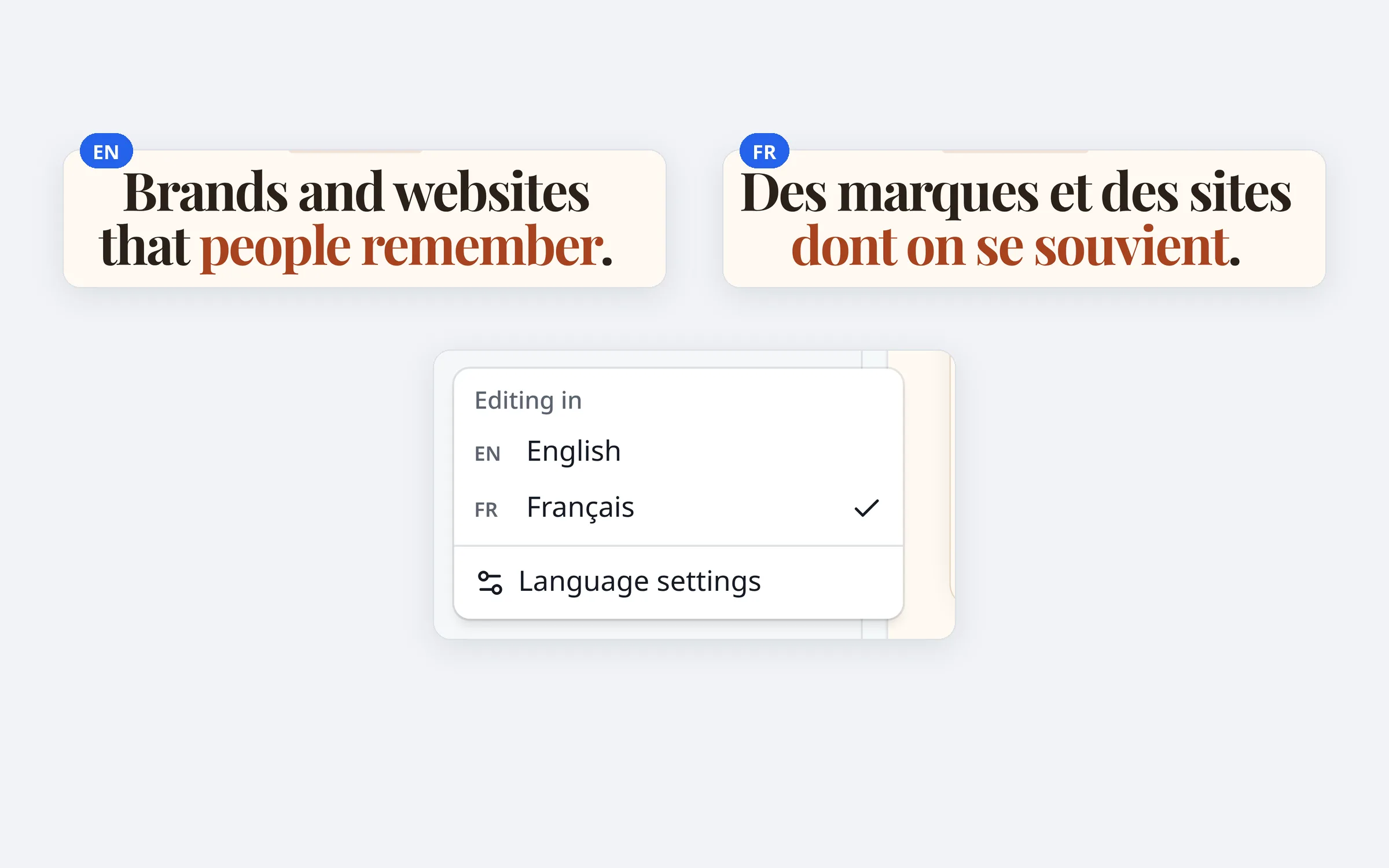
The same headline in English and French side by side, with the language menu

Multilingual

Your site in every language you need

Turn on the languages your site uses and edit each version on the page, just like the original. Auto-translate fills in a first draft; someone who speaks the language reads it before it goes live. Visitors switch language with one click.
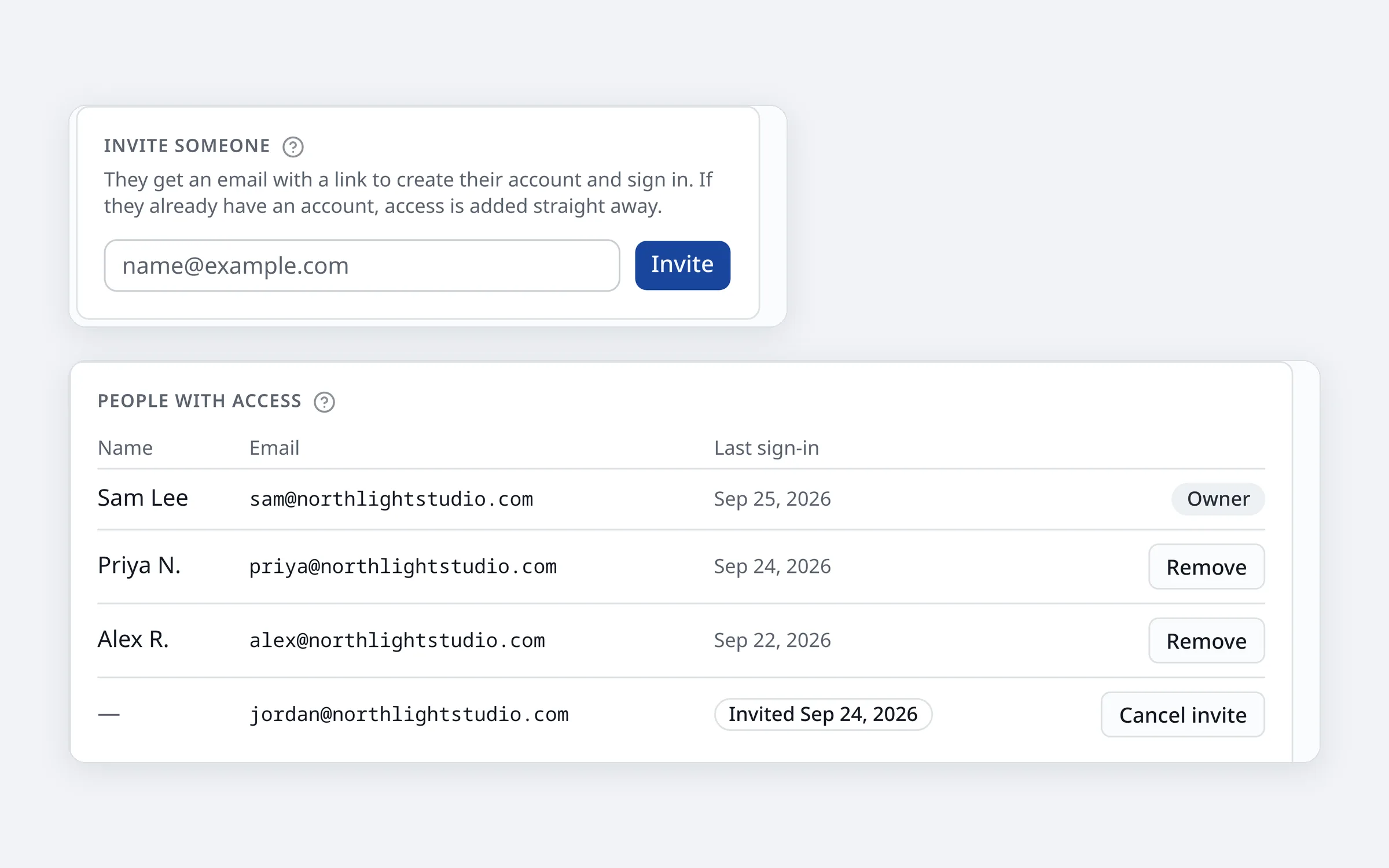
The Users page: an invite box above the list of people with access

Your team

Invite your team

Invite staff and volunteers by email. Each person signs in with their own account, with email or Google, and only ever sees the site they work on. An agency can look after many clients without mix-ups.
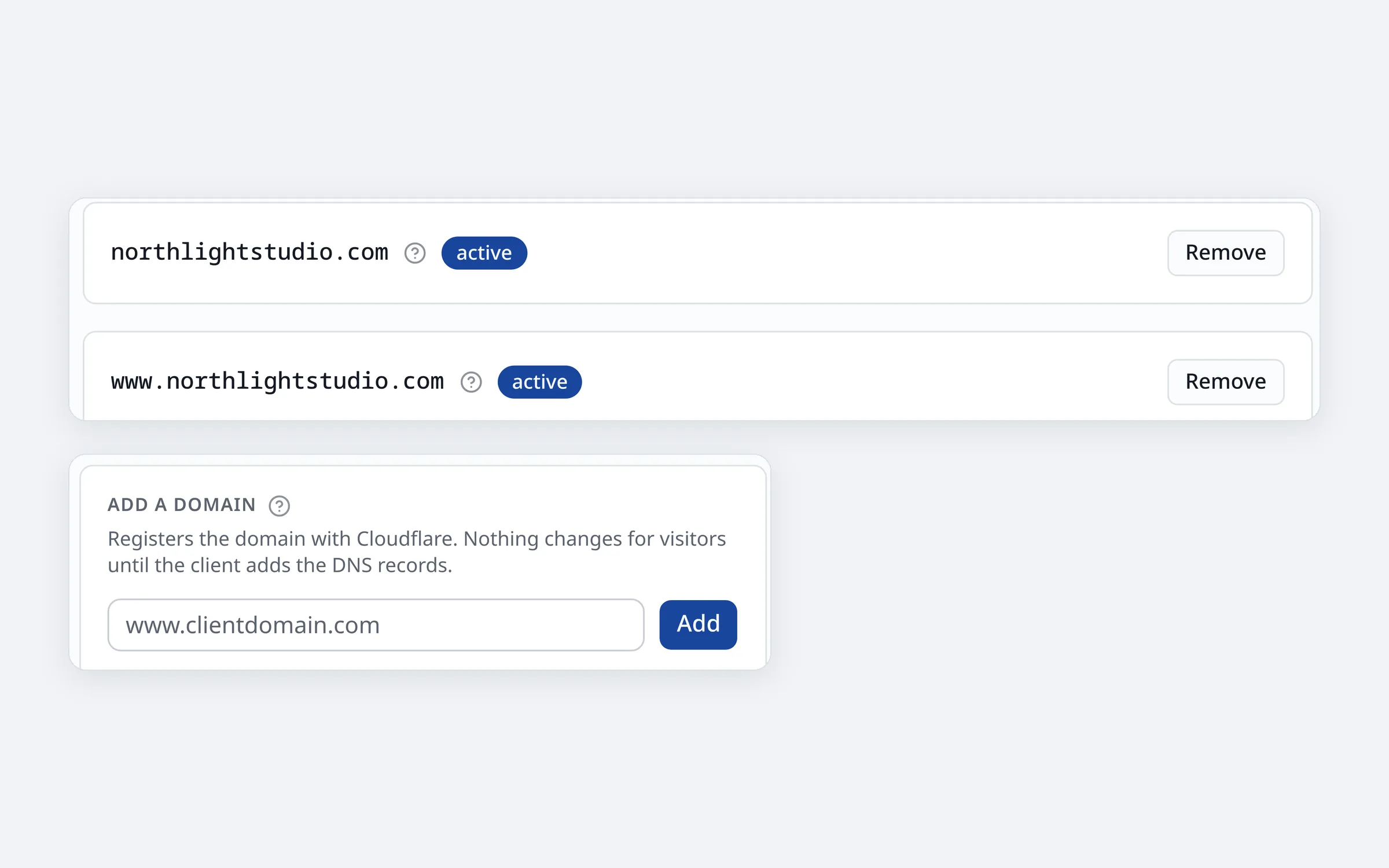
Two domains marked active, above the box for adding a domain

Hosting

Fast sites on your own domain

Your site loads quickly wherever your visitors are. Connect the web address you already own; the security certificate (the padlock in the browser) is set up and renewed for you.
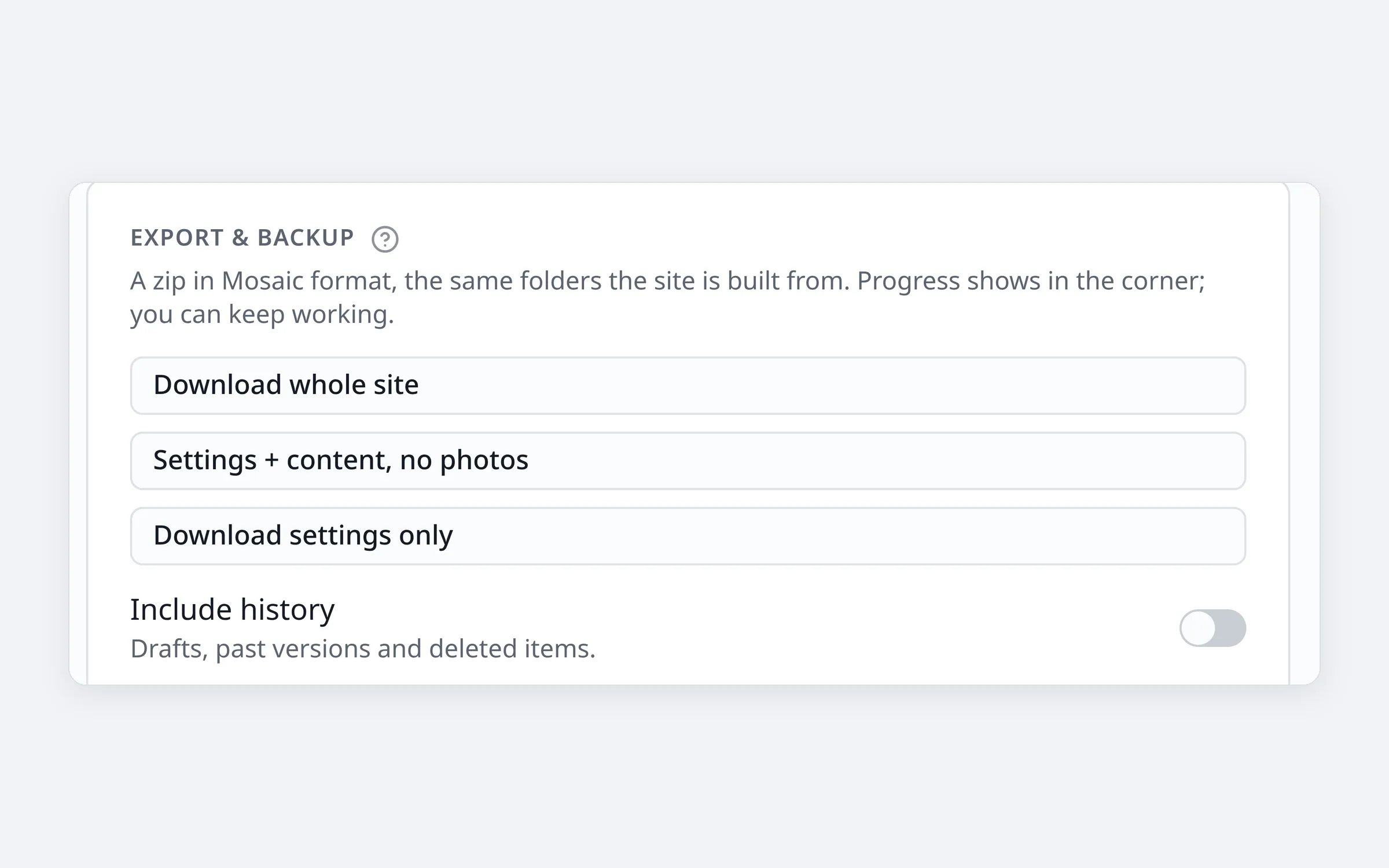
The Export and backup card: download the whole site, or parts of it

Yours to keep

Your content stays yours

Every page, setting and photo is saved as plain files in the open Mosaic format, in storage you control, not locked in a database only we can read. Download the whole site as a zip whenever you like, to keep a backup or to move.
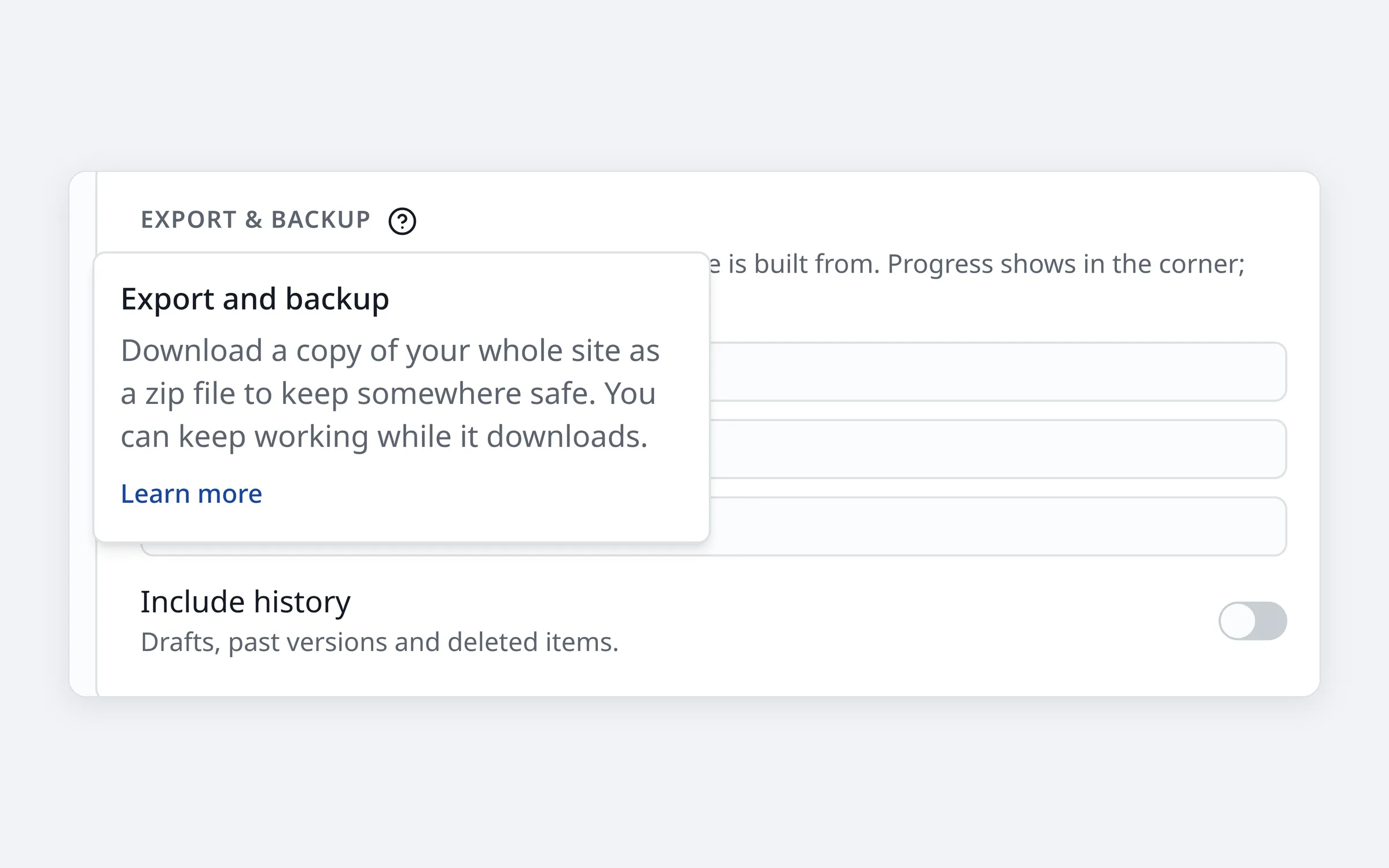
A help popover explaining a setting in plain words

Stats and help

Visitor stats and help built in

Simple visitor stats show which pages people read, without extra tools. And wherever a setting might be unclear, a "?" button explains it in plain English, with a link to the full guide.
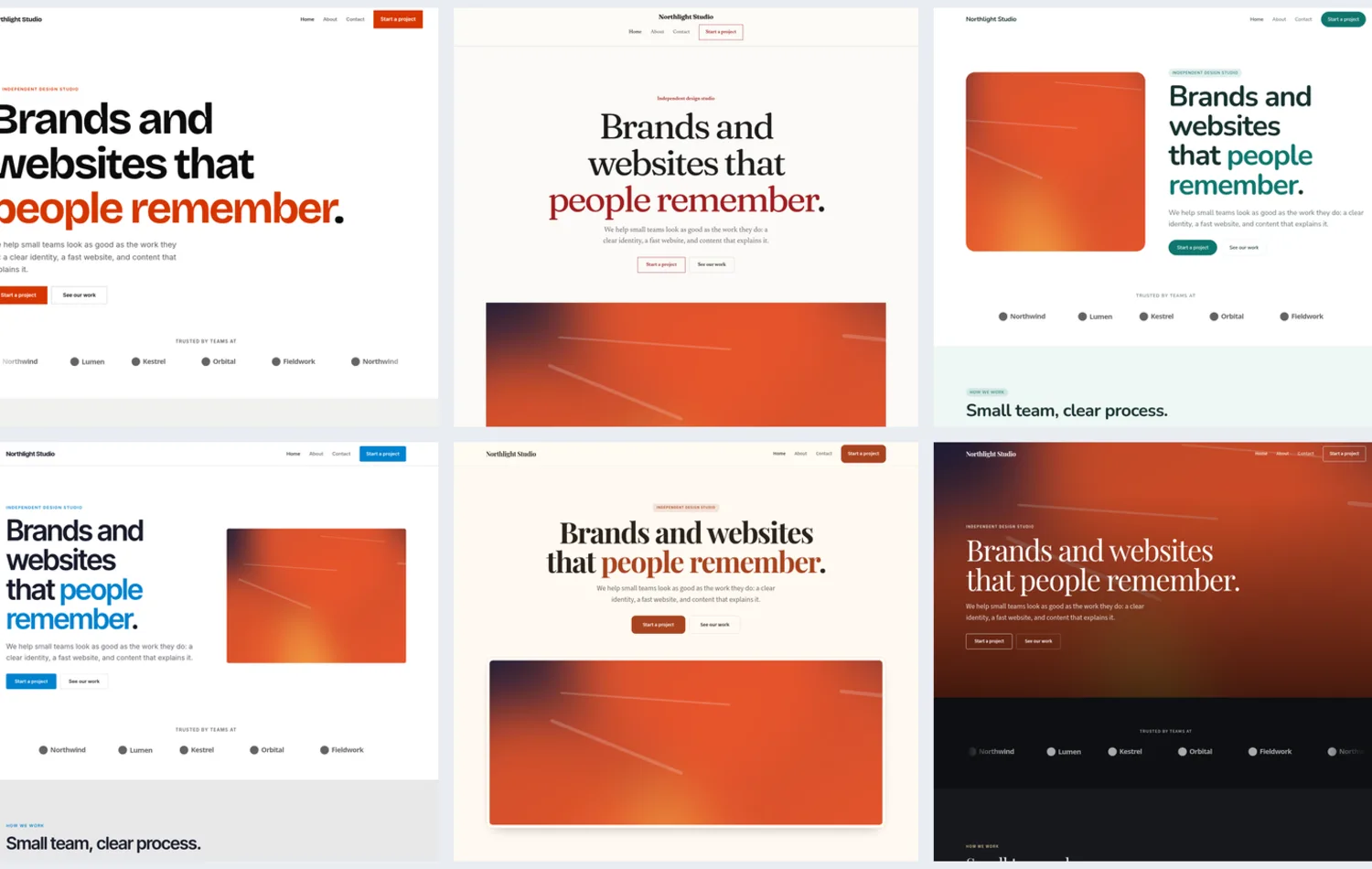
Six looks of the same template page, each with its own colours and fonts

Templates

Looks and layouts that fit your brand

Start from a template and make it yours: pick colours and fonts, choose how roomy the spacing is and how cards look, then build pages from ready-made blocks. The same content can wear a completely different look.

Coming next

On the way

Public API

Read your content from anywhere: an app, a screen in your lobby, a newsletter.

AI helper

An assistant that can draft, translate and tidy pages for you through the open MCP standard. Its changes arrive as drafts for you to check.

Forms

Contact and sign-up forms you can add to any page, with replies sent straight to your inbox.

Put your website in your hands

Book a short call. We'll show you Clear CMS on a site like yours and explain exactly what moving over involves.